Consolidating 105 Conga Templates Into One OpusDocs Template
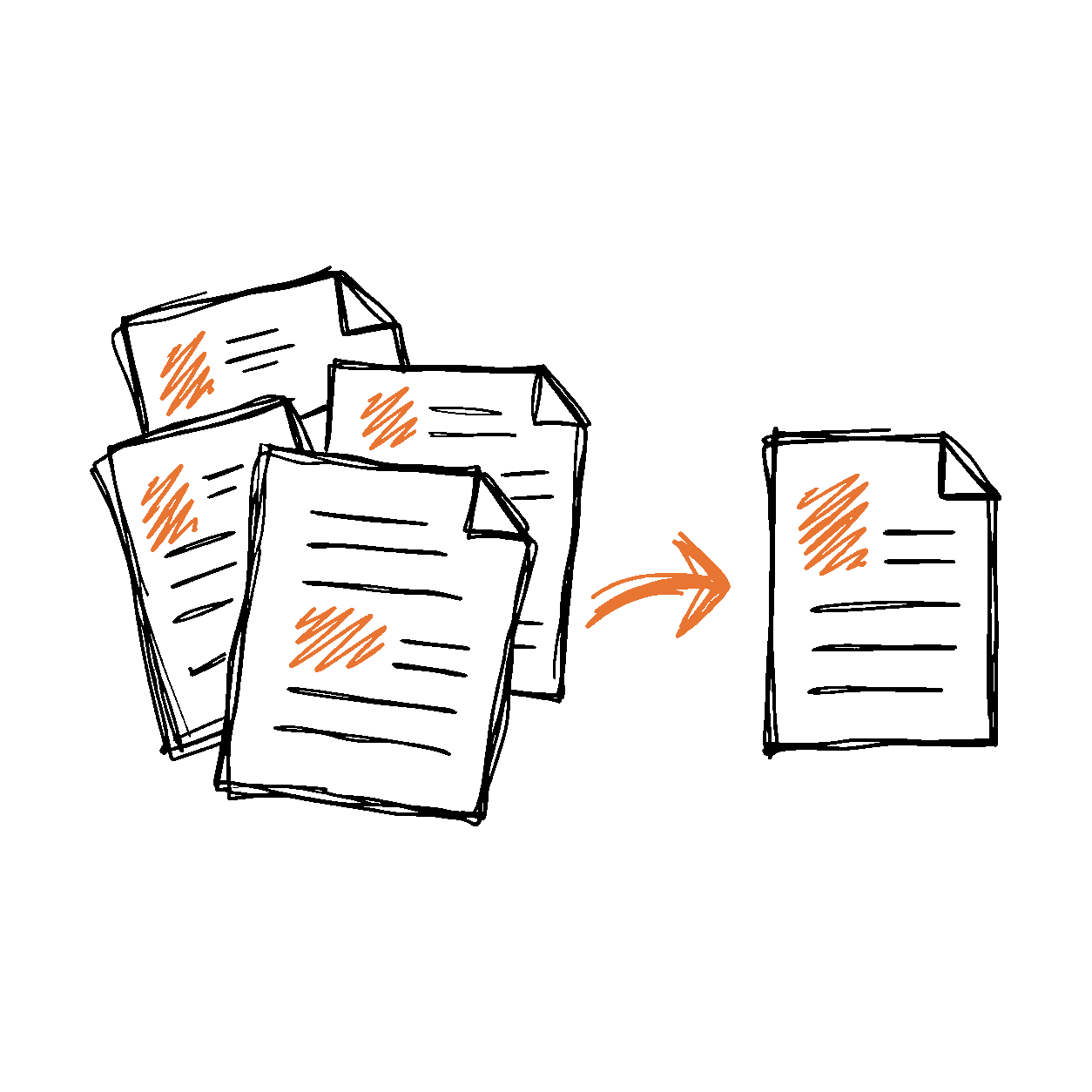

One Customer Agreement package. 105 separate Conga template files. One OpusDocs template after migration.
For a residential solar customer, updating a Customer Agreement meant navigating content spread across 105 files, nested Word field codes, Salesforce clause configuration, and signature anchors hidden in white text. A change to the agreement could require tracing several files and the rules that connected them.
We consolidated all agreement content into one OpusDocs Word template file. Terms, state disclosures, cancellation notices, payment forms, and language variants were preserved. Conditional rules select the sections each customer needs from that single template.
The result was a master template spanning hundreds of pages that brought the content together for ongoing maintenance. Changes to Salesforce data retrieval also brought generation under five seconds for packages that previously took more than three minutes, using fewer than 25 unique queries.
These results reflect this customer's implementation. The central improvement was giving the team one template file to maintain while retaining the content and variations its agreements required.
105 files into one template
The migration preserved the full Customer Agreement content in one single OpusDocs template file. No agreement content was lost to achieve the lower file count, and the different customer scenarios remained supported through conditional generation.
| Measure | Previous Conga implementation | OpusDocs implementation |
|---|---|---|
| Template files | 105 separate files | 1 single Word template file |
| Content managed | Agreement terms, state disclosures, exhibits, and language variants spread across files | All Customer Agreement content preserved and handled by one template file. No content lost. |
| Conditional content | Nested Word field codes plus CRM clause criteria and outputs | Named conditional segments managed through the Word task pane |
| Signature placement | White-font anchors distributed across template fragments | Signer tags placed and reviewed within the single template file |
| Generation time · reported migration examples | 3+ minutes for some packages | Under 5 seconds |
Why 105 files were hard to maintain
A residential solar agreement can change with the state, product, ownership model, language, financing arrangement, and signer. Installation terms, payment schedules, cancellation notices, warranties, and state disclosures all need to appear in the right combinations.
The legacy template extract shows that complexity in concrete terms: separately ordered agreement sections, state-specific exhibits, English and Spanish content, and supplemental disclosures. A combining utility sorted the fragments by their numbered filenames and assembled their contents, including styles and supporting assets.
In the customer's old workflow, query constraints and the way data was retrieved contributed to the need to split templates into so many pieces. Each fragment became another place to maintain content, merge fields, conditions, and signature requirements.
Changing a paragraph was only the beginning. The team also had to determine which files contained related language, which conditions selected those files, and whether every affected package still generated correctly. More files meant more dependencies to understand before an author could safely publish a change.
Hidden conditional logic
The legacy Word files contain nested field-code conditions that check values such as state, contract type, product, and sales partner. Merge fields and repeating-table markers sit inside that logic.
Word normally shows a field's result rather than its underlying instructions. A legal reviewer could read the displayed language without seeing the full decision tree that controlled whether it appeared. Exposing the field codes revealed technical syntax that was difficult for a nondeveloper to follow.
That created two separate review jobs: checking what the agreement said and checking whether the template would say it for the right customer. A document could look correct in one scenario while omitting required content in another.
For template authors, the challenge was understanding the relationship between a clause, its data, and its conditions, not simply learning where to insert a merge field.
Hidden signature anchors
The legacy workflow also used white-font text to hide e-signature anchors from the finished document. That kept technical markers out of the customer's view, but made them difficult for authors to find and maintain.
An author updating a section could overlook an anchor, remove it with surrounding text, or copy it without understanding the signer it belonged to. In this customer's operation, signature-placement issues resulted in sections being left unsigned and packages needing follow-up.
The customer also lacked a Salesforce record of which signature tags had been used in a given generated document. When something went wrong, operations had to investigate the template and output instead of consulting a clear record of the tags used.
Signature placement needs to be part of template authoring and output review. It cannot depend on someone remembering to look for white text across dozens of files.
Clause maintenance
Alongside the Word files, the customer's Conga clause setup placed criteria, conditions, and outputs in CRM configuration. Understanding a document could require tracing both the template and the records that determined which clauses were selected.
Old clause outputs accumulated in the system. It became harder to tell which records were active, which were superseded, and which still had dependencies. Removing something required investigation; leaving it in place added more technical debt.
This was the customer's implementation experience. The maintenance problem was the number of connected pieces an author or administrator had to understand before making a change: files, field codes, clause rules, stored outputs, and signature anchors.
All content in one template
With the Customer Agreement content in one file, authors can review related sections together instead of moving between template fragments. The OpusDocs template uses readable merge-field labels and named conditional segments, making the business meaning easier to recognize alongside the content.
That single file retains the alternative sections and language variants needed across customer scenarios. Conditional generation selects the content that applies to the record; a master template spanning hundreds of pages does not mean every customer receives every page.
Consolidation reduces the number of separate files to coordinate. The OpusDocs Word template authoring tools make the ongoing work easier, too:
- Find and insert Salesforce fields from the Word task pane, with AI assistance to locate the data an author needs.
- Apply named conditional segments and reuse rules rather than deciphering nested instructions for every edit.
- Place signature tags deliberately by choosing the signer and tag in the authoring tools.
- Preview against a real Salesforce record to review the content and signature placement that a particular scenario produces.
- Submit a template version for review with notes explaining the change.
Complex documents still need careful testing. Authors can work with the content, fields, and rules in Word, while reviewers check representative scenarios before approving a version.
Query once, reuse data
The old generation workflow took more than three minutes for some of these documents. In this implementation, fragmented templates and repeated data retrieval contributed to that delay.
OpusDocs runs the SOQL query once per data table for a generation, then reuses the retrieved data wherever that table is referenced in the template. Repeating a value or using it in another conditional section does not require fetching the same table again.
That allowed us to generate these complex packages with fewer than 25 unique queries. Together with the OpusDocs generation pipeline, the result was less than five seconds end to end to obtain the final PDF for packages that had taken more than three minutes in the customer's previous workflow.
Those were customer-reported migration examples. Our performance study of the same customer separately compares a historical Conga median of 1 minute 37 seconds with an OpusDocs generation median of 3.7 seconds for Customer Agreement variations.
The improvement matters during authoring as well as production. A faster preview lets an author check another state, product, or signer scenario without adding several minutes to every iteration.
Watch the workflow
Watch the OpusDocs overview to see how Word templates, Salesforce data, and document generation fit together. For a closer look at maintaining fields, conditional content, and signatures, explore template authoring in Microsoft Word.
Test drive your most complex template
For this customer, 105 Conga template files became one OpusDocs template with all agreement content preserved. That consolidation reduced the number of files the team had to coordinate when the agreement changed. Faster generation also made it easier to preview and check those changes.
If your team is managing a fragmented template library, spending too long tracing conditional clauses, or waiting minutes for each generation, bring us a representative package. We can review its structure, map its data dependencies, and demonstrate the authoring and generation workflow with your requirements.
Schedule a demo to see what OpusDocs can do with your most demanding templates.